Platform VisionA development platform for aerial and ground drones: autopilots, companion computers and AI models
The Drone Industry Doesn't Need Another Drone. It Needs a Platform.
Aveoni Studio keeps each drone's flight controller, companion computer and configuration in one project, so your team works on the product instead of on the tools around it.
Flight systems Betaflight identity over USB; ArduCopter 4.6.2 on one board
Companion computing Raspberry Pi 5; Jetson Orin Nano (connection)
AI models Deploy and read back; inference planned
Video & connectivity Camera discovery; live video planned
Cloud & fleet Planned
Developer tools SDK planned
The integration problem
Why Aveoni instead of building our own integration stack?
Every new drone build carries an integration cost: each layer has its own tools, and engineering time goes into making them agree. Aveoni does not replace ArduPilot, Betaflight, ROS 2, PX4 or NVIDIA's tools. It works with the flight stacks and companions it supports today.
Conceptual comparison of two ways of working, not a benchmark.
Engineering work
Traditional development
With Aveoni
Flight controller and companion
Connected separately, each with its own tools and interfaces.
Connected in one project, with each device's state reported.
Configuration
Kept across several tools, one for each layer.
Kept in one project for each drone.
Each new prototype
Similar workflows rebuilt from the start.
Designed so configurations and workflows carry over between prototypes.
Current Product: Aveoni StudioAveoni Studio
One Environment to Develop Your Drone System.
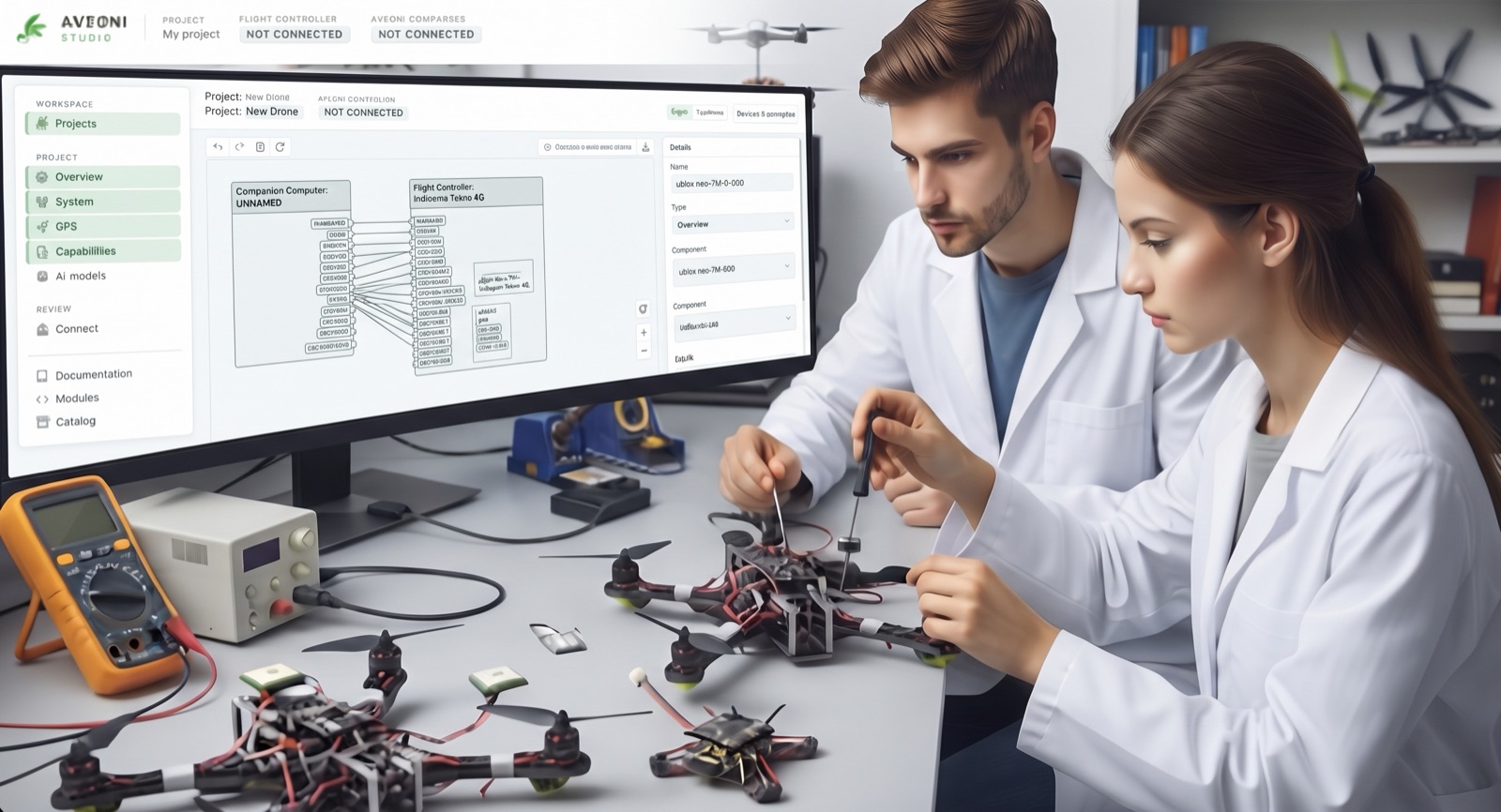
Create a project for one drone, add its components, inspect each device, and draw the connections between them. Nothing is marked as connected until a device answers.
01
Create a project
Each drone gets one project that holds its hardware and configuration.
02
Add components
Pick a flight controller, companion and sensor from the library.
03
Inspect each device
Identity, link and checks are shown per device.
04
Connect the parts
Draw connections between components. The map shows the links you have drawn.
Stop Rebuilding Drone Infrastructure. Start Building What Makes Your Product Different.
Aveoni is designed to bring the engineering layers of a drone into one development platform — with the goal of making integrations more reusable from the bench to the aircraft. The platform architecture below sets out the intended scope, and the Studio section above sets out what runs today.
Less integration work
Spend less time keeping flight controller, companion and configuration in step, across the technologies Aveoni supports.
More reusable engineering
Designed so the next prototype starts from shared configurations, components and workflows, not from a blank bench.
More focus on differentiation
Put your engineers on what your customers pay for: mission capabilities, payloads, AI and product-specific features.
Platform video
See the Aveoni Platform Vision
One foundation, many missions. The video shows the vision of a connected drone that brings flight control, onboard computing, AI models and cloud data together. Its example is livestock monitoring: the drone finds the herd, uses thermal imaging to check animal health, and reports to a control panel on the ground. The same foundation is designed to serve inspection, infrastructure monitoring, agriculture and research teams, each building its own mission on shared components.
Platform architecture
Different Components. One Engineering Workflow.
One Foundation. Different Missions. The same project model is designed to serve inspection, infrastructure monitoring, agricultural, prototyping and sensor-integration work. Each mission is designed to reuse the same flight, companion and model components.
Aveoni is building a development platform for drone products. Flight systems, companion computing, AI and autonomy, video and connectivity, and cloud and fleet are designed to sit in one project, with Aveoni Studio and the SDKs as the engineering layer across all of them.
Target platform architecture: six platform areas, with Studio & SDKs as the cross-cutting engineering layer.
Flight Systems
Flight controllers
Flight stack configuration
Safety settings
Companion Computing
Aveoni CompanionIn Development a first-party hardware companion computer. Raspberry Pi 5 and NVIDIA Jetson Orin Nano are separate reference platforms.
Raspberry Pi 5 third-party reference hardware
NVIDIA Jetson Orin Nano third-party reference hardware
Module runtime
Compute accelerators
AI & Autonomy
On-board models
Perception
Decision logic
Video & Connectivity
Live video
Telemetry and radio
Local network
Cloud & Fleet
Fleet operations
Software releases
Flight data and media storage
Engineering layer across all areasStudio & SDKs
Aveoni Studio
Developer SDK and APIs
Architectural scenarios — illustrating the intended platform, not currently available end-to-end workflows.
Choose a scenario to see which areas it is designed to involve.
Connect & Configure
Intended
Intended: a flight controller connected and configured from one workspace, directly over USB or through a companion computer. Connection routes have run on reference hardware; Engineering Evidence sets out what each run showed. Configuration writes are not part of that evidence.
Areas involved: Studio & SDKs, Flight Systems, Companion Computing, Video & Connectivity.
How it is designed to work
Studio is designed to reach the flight controller directly over USB or through the companion computer on the local network, then read and apply its configuration.
Build & Deploy
Intended
Intended: a module or model built once and delivered to companion computers in a fleet. Today, CPU model deploy and read-back is verified on a Raspberry Pi 5 only.
Areas involved: Studio & SDKs, Companion Computing, Cloud & Fleet.
How it is designed to work
Modules and models are designed to be built with the SDK, staged in Studio and delivered to each companion computer.
Perceive & Decide
Intended
Intended: perception running on the companion computer, so camera results can stay on the aircraft.
Areas involved: AI & Autonomy, Companion Computing, Video & Connectivity.
How it is designed to work
Camera frames are designed to be processed by models on the companion computer, with results feeding autonomy functions.
Stream & Connect
Intended
Intended: live video and telemetry from the aircraft, over a local, radio or network link.
Areas involved: Video & Connectivity, Cloud & Fleet.
How it is designed to work
Video and telemetry are designed to leave the aircraft over a local, radio or network link and reach the operator.
Monitor & Manage
Intended
Intended: flight data and media from many aircraft, stored together, with releases managed per fleet.
Areas involved: Cloud & Fleet, Studio & SDKs.
How it is designed to work
Flight data and media are designed to be uploaded to cloud storage, and software releases are designed to be assigned per fleet.
Engineering EvidenceWhat has run on hardware
From Platform Vision to Engineering Reality
Individual integrations verified on reference hardware. Not a complete end-to-end platform.
Studio connected to a Betaflight flight controller over USB and read its identity.
Environment: direct USB connection, one Tykho Lit S4 board.
Scope: connect and read. Configuration is not part of this record.
Studio opened a session to a Betaflight flight controller through a Raspberry Pi 5 companion over the local network.
Environment: Raspberry Pi 5 companion, local network.
Scope: session opening and release. The board identity was checked separately, read-only, through the companion.
Students should learn more than how drones fly. They should understand how flight controllers, embedded software, sensors and AI work together, and how to test them on real hardware.
Aveoni is exploring an education programme for universities and engineering labs. Course and workspace tools are planned.
Ways to Engage
Choose the route that matches your team
Three ways to work with Aveoni, depending on what you are building. Each route links to its details. Enquiry and access routes are not open yet.
Engineering Pilot
For OEM and engineering organisations. Bring your flight controller and companion, and evaluate which parts of their integration Aveoni can carry for your product. We agree compatibility, constraints and evaluation scope with you, and settle scope, deliverables and terms before any work begins.
Evaluate today: the routes verified on reference hardware, listed on the Studio page.
Next step: once pilot enquiries open, describe your hardware and goals on the enquiry page.
For technology, manufacturing, engineering, distribution and ecosystem partners, and for strategic investors. Each partner journey sets out what you can evaluate today.
Evaluate today: technology compatibility on named reference boards.
Next step: read the journey for your type of partner.
 AVEONI